
A PRIVACY-FIRST GUIDE FOR HOME-BASED NAIL TECHS
Take bookings at home.
Keep your address controlled.
Clients need your services, prices, and available times before they request an appointment. They do not need your exact home address before you are ready to share it.
Build a safer booking flow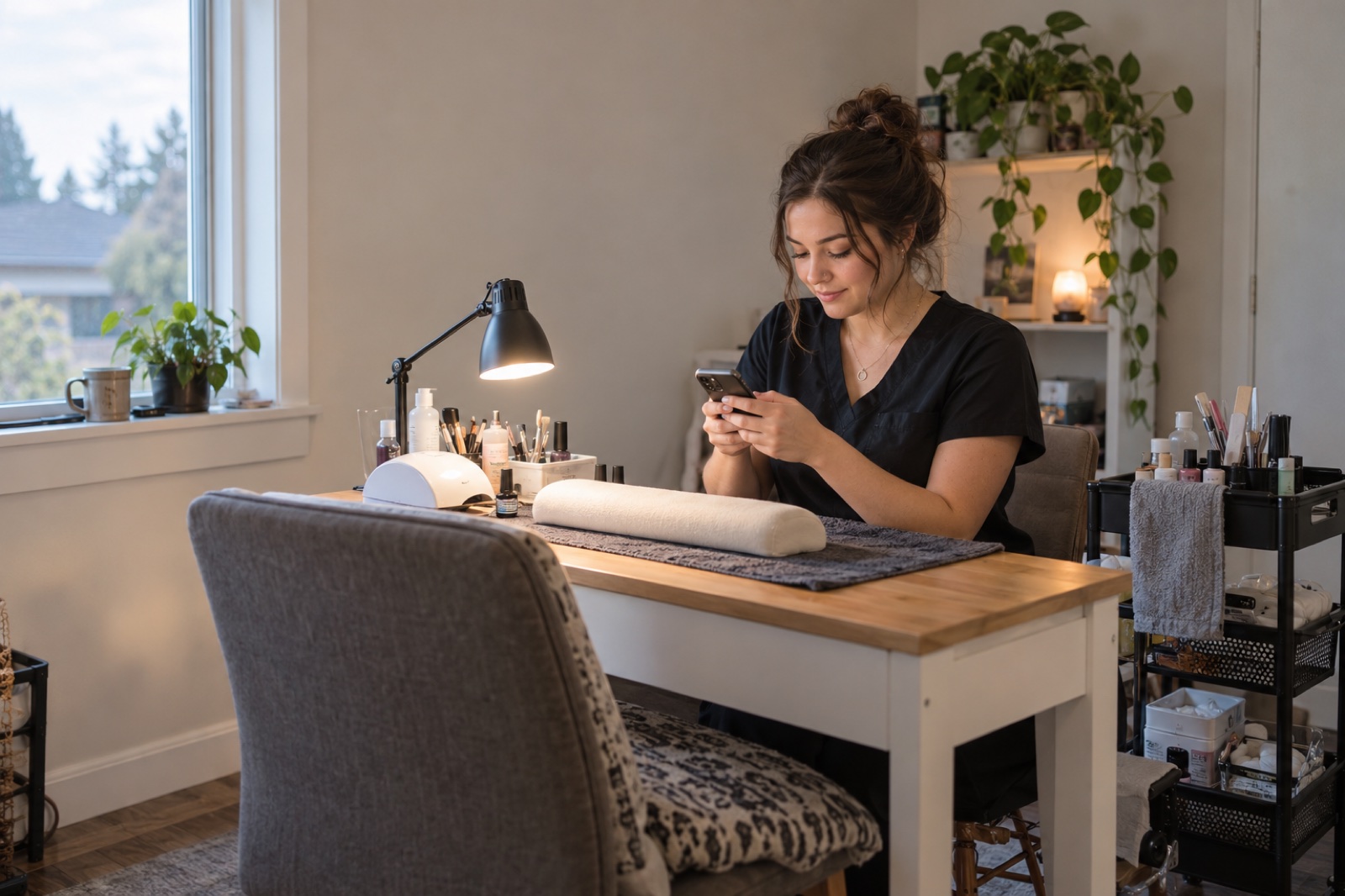
A home studio creates a special booking question: how do you make it easy for a new client to choose you without showing strangers exactly where you live?
The answer is to separate the information someone needs to decide from the information a confirmed client needs to arrive. Your booking page can explain your work first. Your exact location can stay controlled until the appropriate point in the appointment process.
Show what helps someone choose. Hold back what helps them enter.
A public booking page should remove uncertainty about the appointment—not remove every boundary around your home. Think of the information in two groups.
- Your professional name and work
- Services, descriptions, prices, and duration
- General area or city
- Available times
- Booking and cancellation expectations
- Exact street and unit number
- Gate, building, or parking instructions
- Door codes or entry details
- Landmarks that identify your home
- Any special arrival instructions
This separation still gives a serious client enough information to make a decision. They can understand the service, the likely travel area, the price, and the available time. What stays private is the information needed only after the appointment is moving forward.
A blank location can make people wonder whether you are nearby. A full residential address reveals too much. A useful middle ground is a general service area plus a clear note that exact directions are shared with the appropriate booking.
Give enough context to plan the trip.
Someone considering a nail appointment needs to know whether the location works for them. Usually, a city, neighborhood, or recognizable general area is enough for that first decision.
Home studio — message me for the address
Private home studio in North Tacoma, Washington. The exact address and arrival instructions are shared with accepted appointments before the visit.
The stronger version answers the client’s practical question—“Is this close enough?”—and sets an expectation about what happens next. It also sounds intentional rather than secretive.
Avoid publishing a unit number, a gate code, a photo that clearly shows your house number, or step-by-step directions on an open page. Review your portfolio photos, contact information, social links, and map screenshots as carefully as the address field itself. Location can be revealed accidentally in the background of an image or in an old social profile.
Decide when the exact address becomes visible.
There is no single timing rule for every home-based business. The useful rule is the one you can apply consistently and explain clearly. Some professionals share the address after they accept the request. Others reveal it closer to the appointment so it is available when the client needs to travel but not broadly visible days or weeks in advance.
If you choose a delayed reveal, say so on the page. A client should not reach the end of the request wondering whether the location was accidentally omitted.
Keep entry codes and unusual access details even more limited than the street address. Share only what that client needs, remove outdated instructions, and avoid placing permanent access information in a public description.
Let clients ask for time without giving up control.
For a home-based nail tech, a request-and-review flow can be more comfortable than automatic confirmation. A client chooses a service and an available time, but you still review the details before treating the visit as accepted.
The client opens your published page in a browser, chooses a service and available time, and sends a booking request. You decide whether to accept or decline it. Choosing a time does not automatically confirm the appointment.
This is useful when you want to check whether the client selected the correct service, whether removal or nail art needs more time, or whether you need a short conversation before the first visit. Your page should still explain the service clearly; review is a safety net, not a replacement for a useful menu.
- Does the selected service match the work described?
- Is removal, repair, detailed art, or extra length involved?
- Is the duration realistic for this appointment?
- Does the client understand that the time is still a request?
- Are you comfortable sharing arrival details for this visit?
Use the same basic process for every new client. Consistency makes the system easier to manage and helps you avoid decisions made in a rushed DM conversation.
Make the final step feel calm, not mysterious.
Privacy should not create confusion on appointment day. Once it is time to share the location, give the client a short, complete set of arrival details: the exact address, where to park, which entrance to use, and what to do when they arrive.
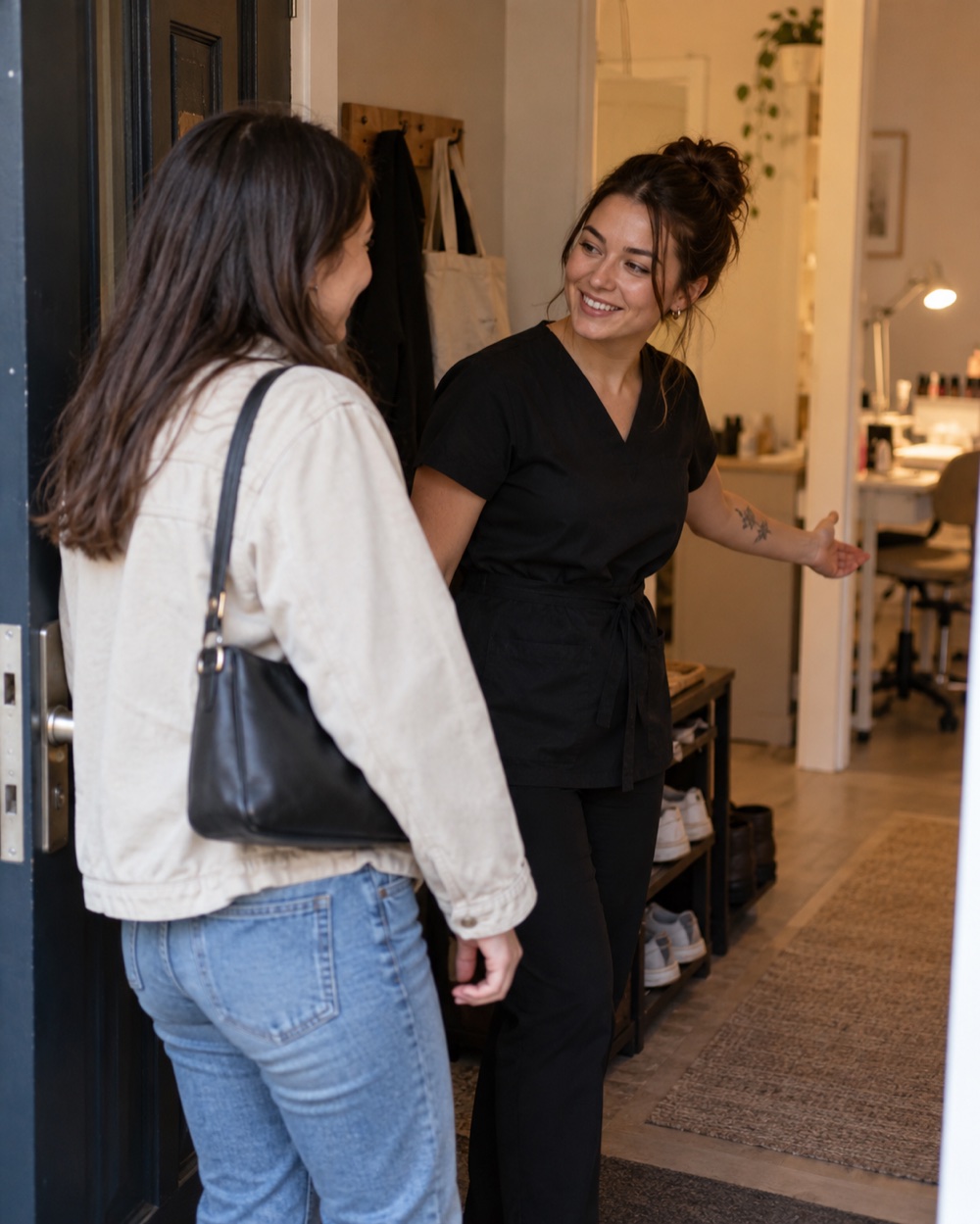
Avoid sending several scattered messages. Put the essential information together and keep it easy to scan. If parking or entry changes, update the instructions rather than expecting regular clients to remember an old arrangement.
You can also state simple home-studio boundaries professionally: whether clients may bring a guest, whether children can attend, where they should wait, and how early they may arrive. Clear expectations protect both your home and the client experience.
Choose visibility for the page, profile, and address separately.
ARSO Studio gives these decisions different controls, because they are not the same thing.
Your services, prices, availability, and request flow live at one link that opens in a browser.
Anyone on ARSO lets your profile appear in ARSO Search. Direct Link Only removes it from general search while the booking page remains available to people who have your link.
Review the address visibility setting and use a timing option that fits your home studio. ARSO includes an option to reveal the address 24 hours before the appointment.
These controls support two common home-business models. If you are looking for new clients, your profile can remain discoverable while your residential address stays controlled. If you mainly serve regular clients, Direct Link Only lets you give the booking URL to the people you choose without appearing in general ARSO Search.
Practice profile visibility in the interactive guide ↗Open the page as a stranger would.
Use a private browser window or another phone and look at every part of the page before putting the link in your Instagram bio. Do not test only while signed into your professional account.
- Can a visitor understand the general area without seeing the street address?
- Do any photos, captions, contact fields, or social links reveal more than intended?
- Can the visitor clearly compare services, prices, and durations?
- Does the page explain that the selected time becomes a request?
- After acceptance, can a real client find the final arrival information easily?
Repeat the test after changing your profile, contact settings, booking status, or address timing. Privacy is not one checkbox; it is the complete path from first visit to confirmed arrival.
Home-studio booking questions.
Can I use online booking without showing my home address?
Yes. Publish the information a client needs to choose—services, prices, availability, and a general area—while keeping the exact street address for the appropriate point in your appointment process.
What location should I show publicly?
Usually a city, neighborhood, or general service area is enough. It should help the client estimate the trip without identifying your exact residence.
When should I send the exact address?
Use a consistent point after you are comfortable with the appointment and before the client needs to travel. Tell clients when to expect the location so the missing address does not feel like an error.
Does ARSO confirm appointments automatically?
No. A client chooses a service and an available time, then sends a request. You review it and decide whether to accept or decline it.
Can I keep my page available only to regular clients?
Use Direct Link Only if you do not want the profile to appear in general ARSO Search. Your published booking page stays available to clients who have its link.
Does ARSO process deposits or appointment payments?
No. ARSO Studio currently does not process appointment payments or deposits. Arrange payment directly with your client and use ARSO to track booking and payment status.
PROFESSIONAL DOES NOT HAVE TO MEAN PUBLIC
Share the work.
Control the address.
Your booking page can answer the everyday questions—what you offer, what it costs, and when you are available—without placing your home address in front of every visitor.
ARSO Studio connects that page with your services, availability, booking requests, and client details. You choose whether your profile is discoverable or direct-link only, review each request, and control when address information is revealed.
ARSO Studio does not process appointment payments or deposits. The professional app requires iOS 17 or later.