Show what you do.
List gel manicures, nail art, fills or any other services you actually offer—with your own prices and durations.
 ARSO Studio
Get the app
ARSO Studio
Get the app
ARSO STUDIO / FOR INDEPENDENT NAIL TECHS
Give clients one place to see your manicures, prices and available times—then request an appointment. No more starting every booking with “How much?” or “Are you free?”
Made for solo nail artists—whether your worktable is at home, in a suite or in a salon.
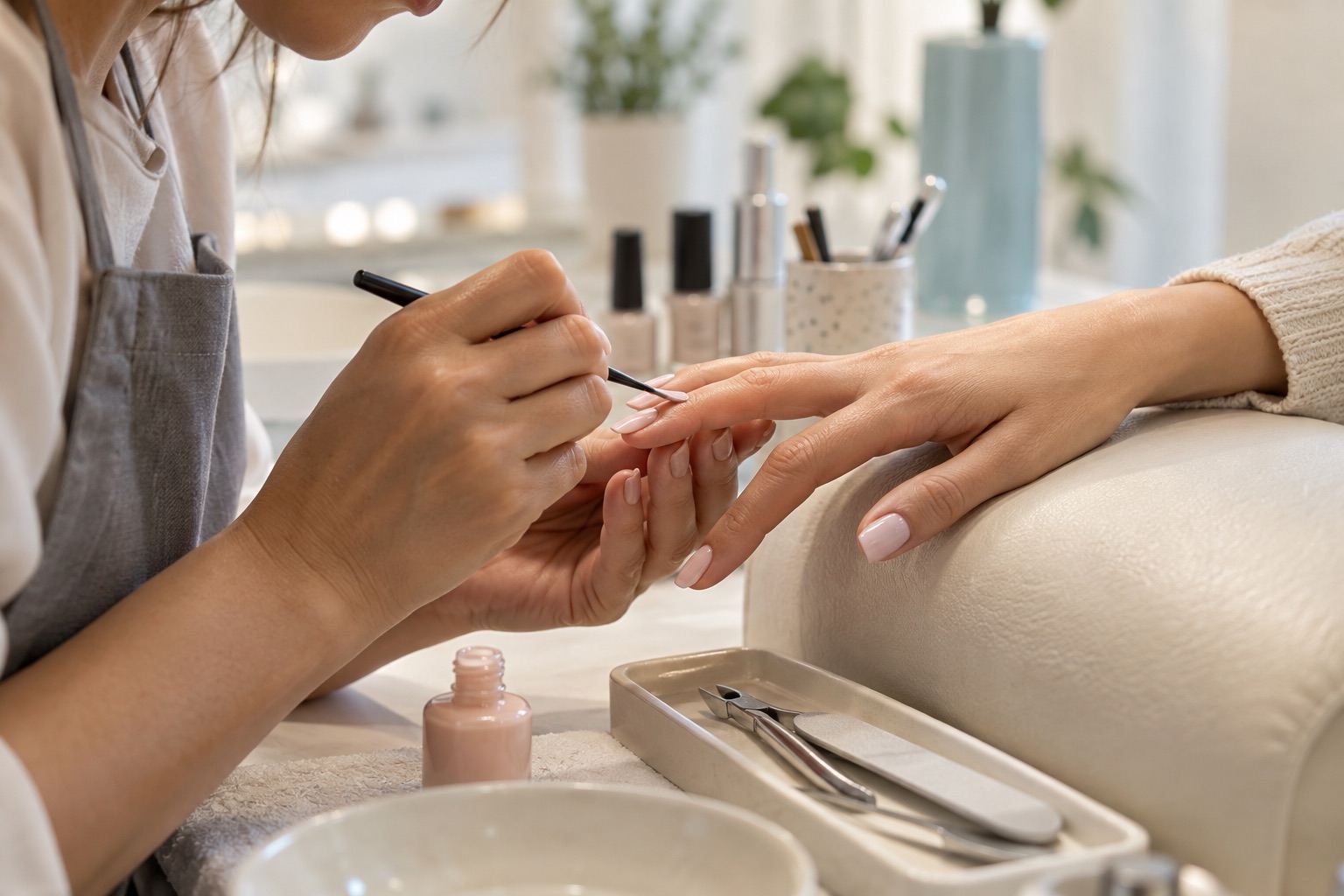
01 / ONE CLEAR PLACE
Clients should not have to message you just to discover a price or ask which times you offer. Your ARSO Studio page puts those basics together, while you decide which requests become appointments.
List gel manicures, nail art, fills or any other services you actually offer—with your own prices and durations.
Set your working hours and time off. Clients can request a time from the availability shown on your page.
A request appears in ARSO Studio for you to review. A client choosing a time does not automatically confirm the visit.
02 / WHAT CLIENTS SEE
This is an actual published ARSO Studio page from photographer Illia Bitkov. It shows how a professional's work and services can live at one link. Your nail page will use your own photos, service menu, prices and availability.
Open the real booking page The live example is a photographer, not a nail business. The nail service card below is illustrative. View live page ↗
03 / FROM APP TO LINK
Your Instagram bio, a message to a returning client, or a QR code at your worktable can all point to the same page.
Choose your display name, photos and about story. Add the nail services you want to publish, with price and duration.
Choose working hours and time off in ARSO Studio. Turn on accepting bookings when you are ready for requests.
Choose your website address and publish with at least one active public service. Then put the link where clients already find you.
04 / BUILT FOR YOUR WORKDAY
Your page is the client's starting point. ARSO Studio is where you keep the requests, calendar and client details together.
Service choices, prices and your available times are visible before a client asks to book.
Clients can open your published page in a browser and send a guest booking request.
You control availability and review requests. Pause new online booking when your books are full.
05 / PLANS
ARSO Studio has no commission per appointment. Payments for nail services happen outside ARSO Studio; the app does not charge clients a deposit or process their appointment payment.
Your public booking page, services, calendar, availability, booking requests and client details.
Standard tools plus Signature website themes, Color Library, deeper finance reports and business analytics.
US App Store prices shown. The final local price and subscription terms appear in Apple before purchase. Premium's 7-day trial is for eligible new subscribers.
Compare the plans06 / GOOD TO KNOW
No. They can open your published page in a browser and send a guest booking request.
Yes. ARSO Studio is for independent professionals in many settings. You can present your work and services without making your street address public; review your contact and location visibility settings before publishing.
No. A client chooses an available time and sends a request. You review it in ARSO Studio and decide whether to accept or decline.
ARSO Studio does not process appointment payments or booking deposits. You arrange payment directly with the client and can track paid status in ARSO Studio.
Yes. Turn off Accepting Bookings when you are not taking new online requests. Your published page can remain visible.
Use our interactive setup guide to follow the ARSO Studio screens step by step.
YOUR WORK / ONE EASY-TO-SHARE LINK
Add your nail services, set your hours and publish a page that gives clients a clear way to request time with you.